Kaleidoscope camera app for iPhone

Your camera, refracted into living symmetry

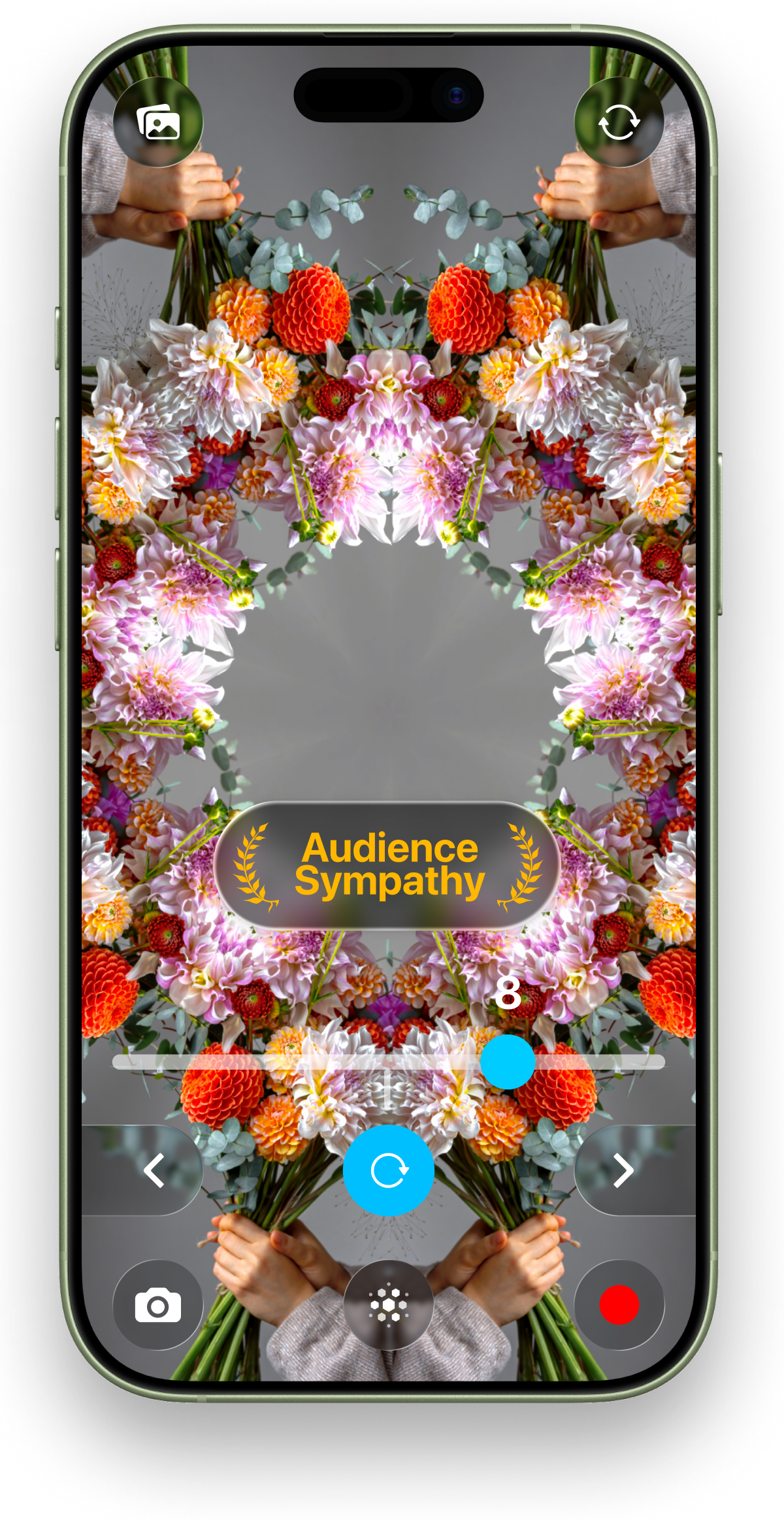
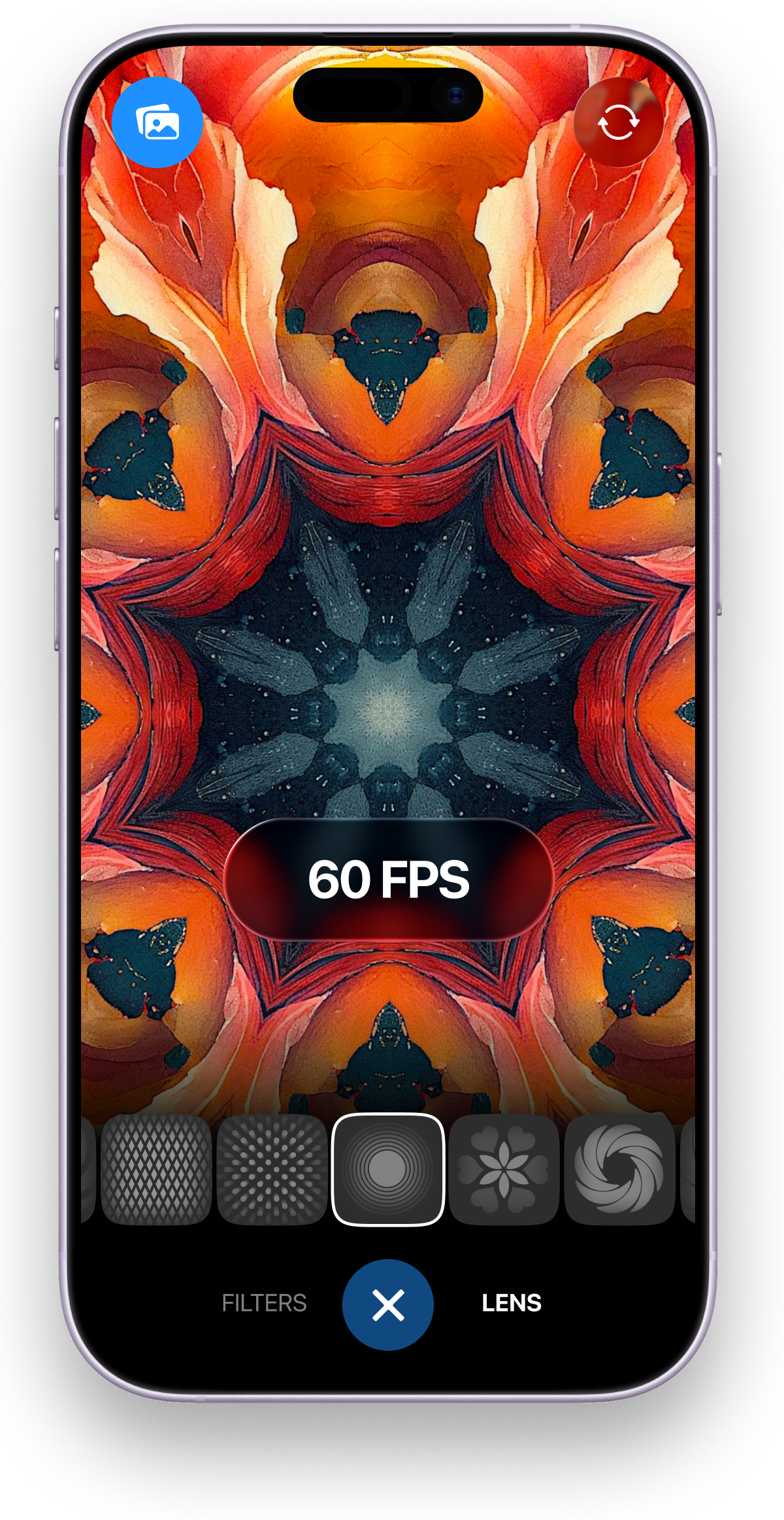
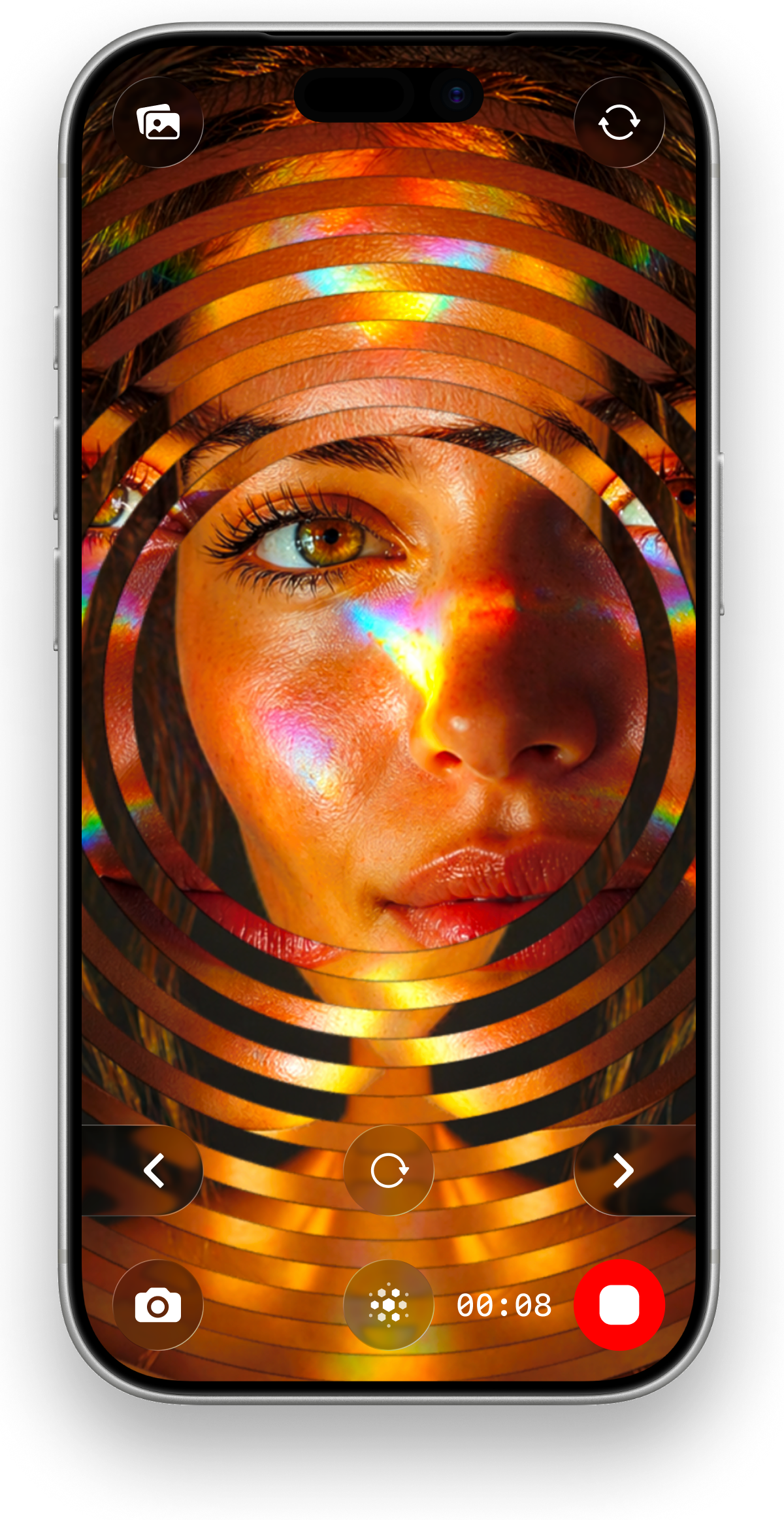
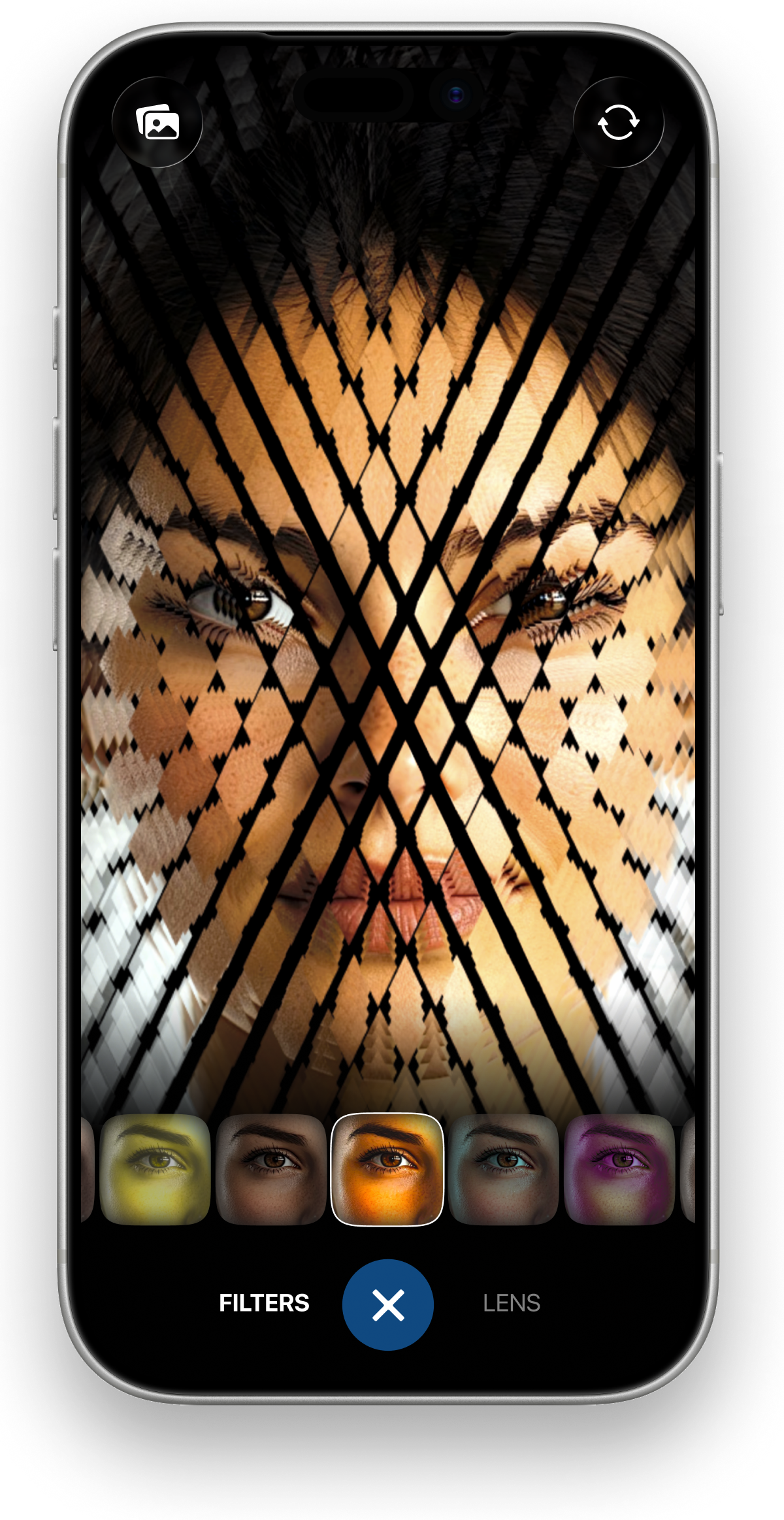
Point. Tap. Record. Kaleidoscope Prism Camera applies 80+ kaleidoscope lenses and 17 cinematic filters live at 60fps — the trippy kaleidoscope video you see is the one you post. No editing, no export wait.

★ 4.3 on the App Store · Free to start, no signup · Works offline · No data collected

Live kaleidoscope camera effect on iPhone in Kaleidoscope Prism Camera
Straight from the App Store listing

What the kaleidoscope effect looks like

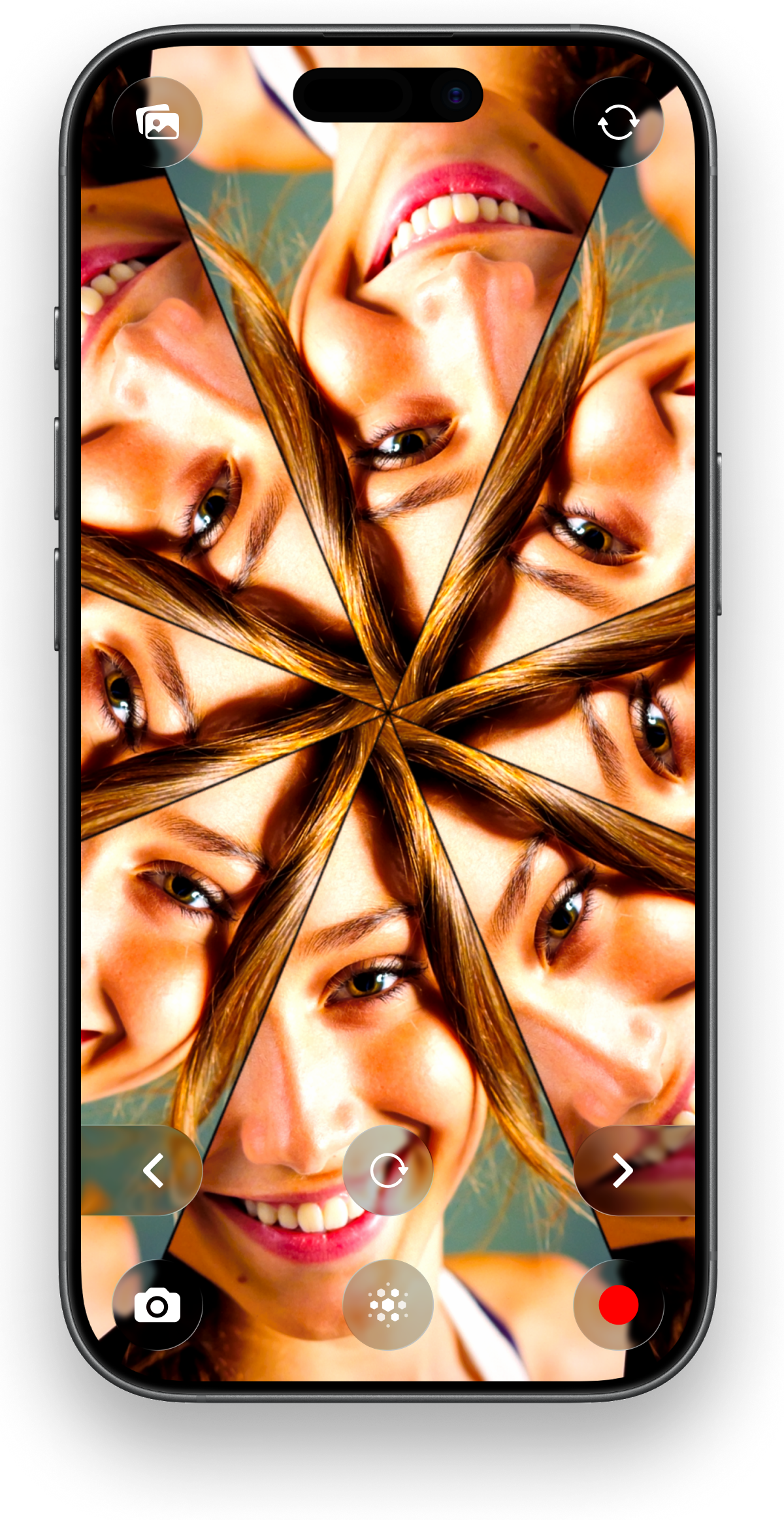
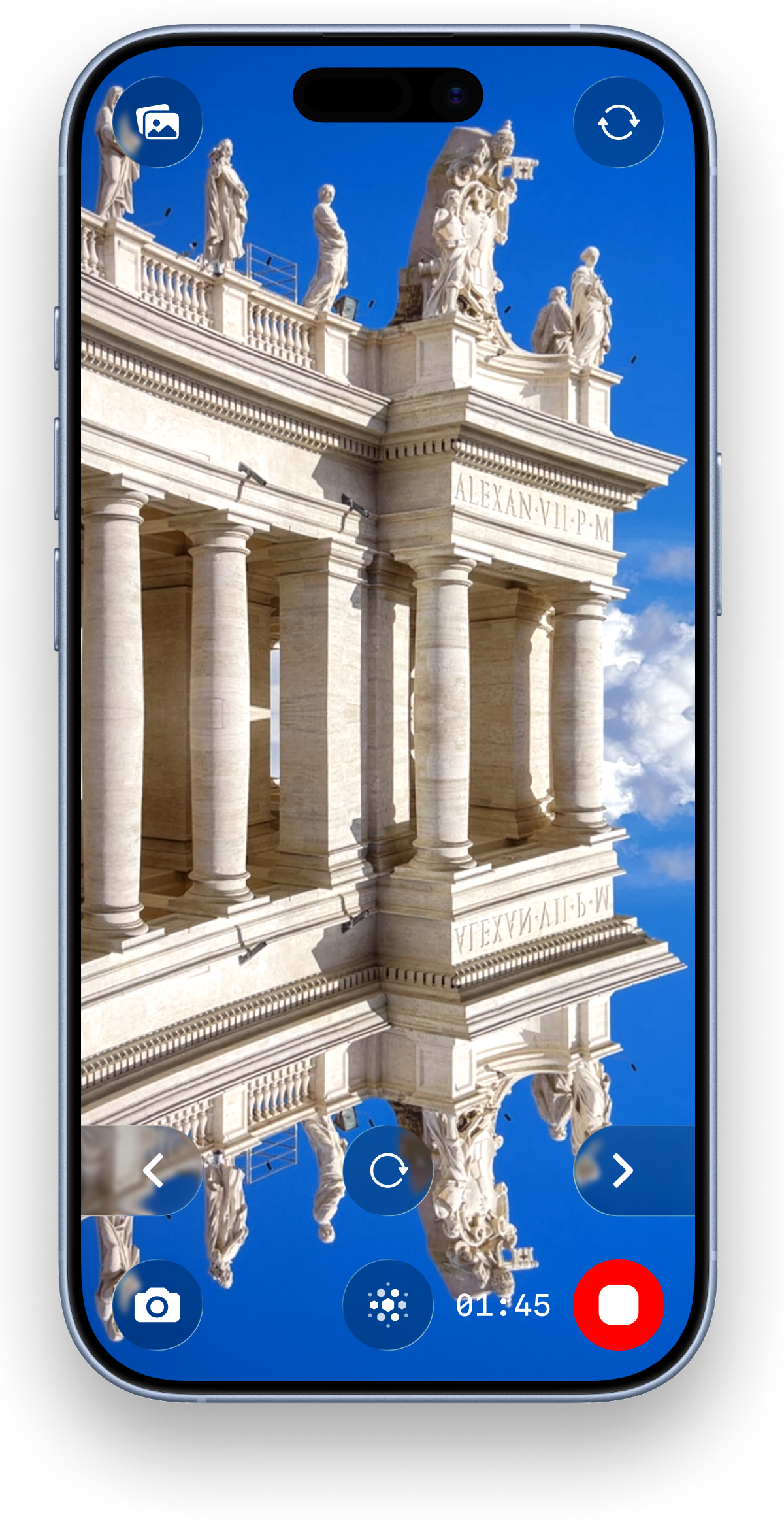
Real-time kaleidoscope camera preview with live lens effect 80+ kaleidoscope lenses gallery in the app Cinematic filters applied to a kaleidoscope video Turning a gallery photo into a kaleidoscope pattern 60fps kaleidoscope video recording for TikTok and Reels Fullscreen kaleidoscope mode on iPhone
How it works

Three taps from camera to post

Point

Open the live kaleidoscope camera

Aim at anything — a face, a plant, city lights. The prism engine mirrors it into perfect symmetry in real time on your screen.

Tap

Swipe through 80+ lenses & 17 filters

Swipe left/right to change kaleidoscope lenses, up/down for cinematic filters — Vaporwave, Golden Hour and more. What you see is the final look.

Record

Capture in 60fps and post

Record buttery-smooth 60fps video or snap a photo. It saves instantly — ready for TikTok, Reels and Shorts with zero editing.

Photo → kaleidoscope

Import any gallery image and remix it into a mandala-like pattern.

Real-time rotation

Live rotation speed display with haptic feedback at zero.

Works offline

Everything renders on-device with Apple Metal. No WiFi, no data collected.

11 languages

Fully localized from English and Spanish to Japanese and Hindi.

Guides

Make something specific

Step-by-step tutorials for the most-searched kaleidoscope effects — each one takes under two minutes in the app.

FAQ

Questions creators ask

How do I make a kaleidoscope video for TikTok?

Open the app, aim your camera, pick a lens and hit record — the kaleidoscope effect is applied live at 60fps so the clip is post-ready. Learn more

Can I turn a photo into a kaleidoscope pattern?

Yes. Import any gallery image and the app mirrors it into a live pattern you can restyle with 80+ lenses and export as photo or video. Learn more

Is the kaleidoscope camera app free?

Free to download and use with no signup. Pro unlocks all 80+ lenses, all 17 filters and unlimited video length — with a 3-day free trial on the weekly plan.

Does the effect render in real time?

Yes — lenses and filters run live on the camera preview via Apple Metal, so what you see while filming is exactly what's saved. Learn more

Can I record 60fps kaleidoscope video?

Yes, full 60fps capture for smooth playback on TikTok, Reels and Shorts. Learn more

Does it work offline?

Everything runs on-device — no WiFi needed, and the app collects no data at all.

Can I use it for psychedelic or trippy visuals?

That's its home turf: combine kaleidoscope lenses with cinematic filters like Vaporwave for full psychedelic looks. Learn more

Is it good for music video B-roll?

Yes — 60fps abstract visuals shot straight from your phone drop cleanly into any music-video edit. Learn more
Free download

Turn this moment into mesmerizing art

Free on the App Store. No signup, works offline, 4.3★ from creators.

 Download Kaleidoscope Prism Camera